Your Full Potential.
Your Work, Turbocharged.
We mapped what stands between you and AI, and we clear it, simply.
Made for your
and everyone it serves.
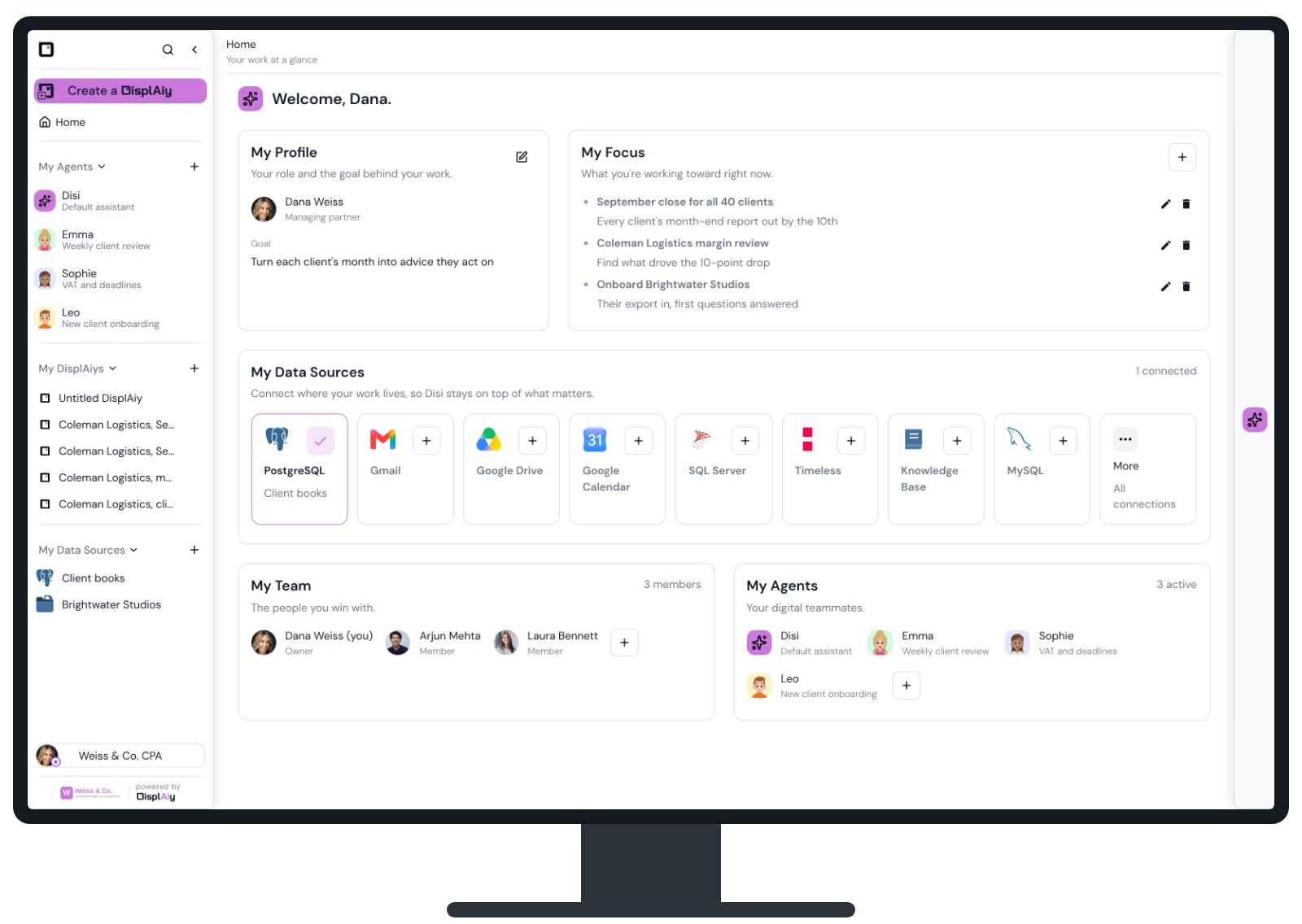
Plug in, and your organization is AI-ready. It learns your data, your routines and your practices, and turbocharges the way you already work. For your team and everyone you serve, each seeing only what is theirs. Simple. No code.
The problem
Every organization needs AI. Few can build it.
Someone has to connect your
decide who sees what, and keep it running. Months of work, and a tech team you do not have.
is already built. Here is the work it does.
How it works
From your data to finished work, in seven steps.
-
1Connect
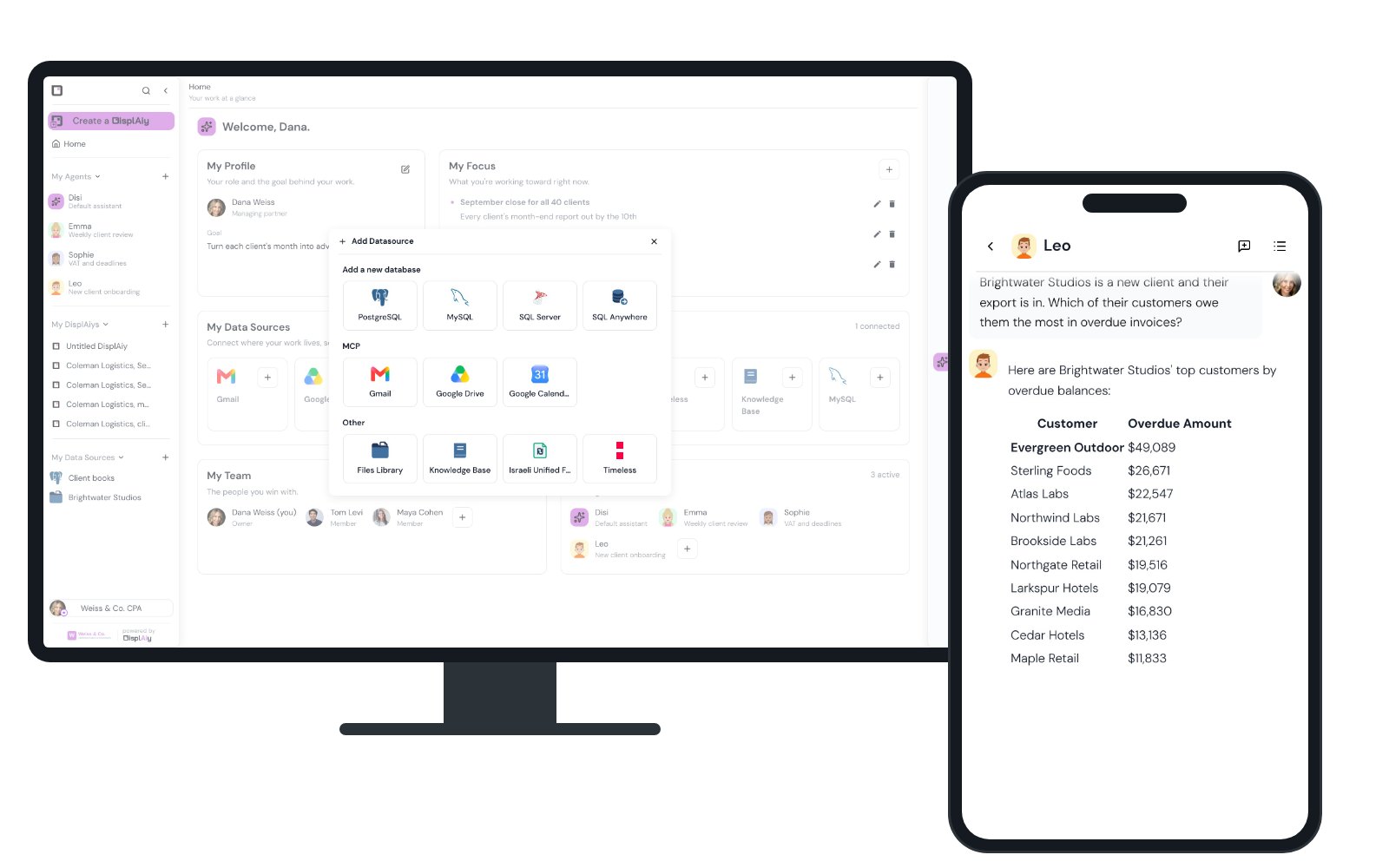
Connect what you have. Or just drop in your files.
- Your databases, live: PostgreSQL, MySQL, SQL Server, SQL Anywhere and BigQuery.
- No database? Drop in your spreadsheets. It designs the database and loads the rows.
- Your tools: Gmail, Drive and Calendar, seen only by you, and your meeting notes.
- All together: ask across them in one conversation.
-
2Ask
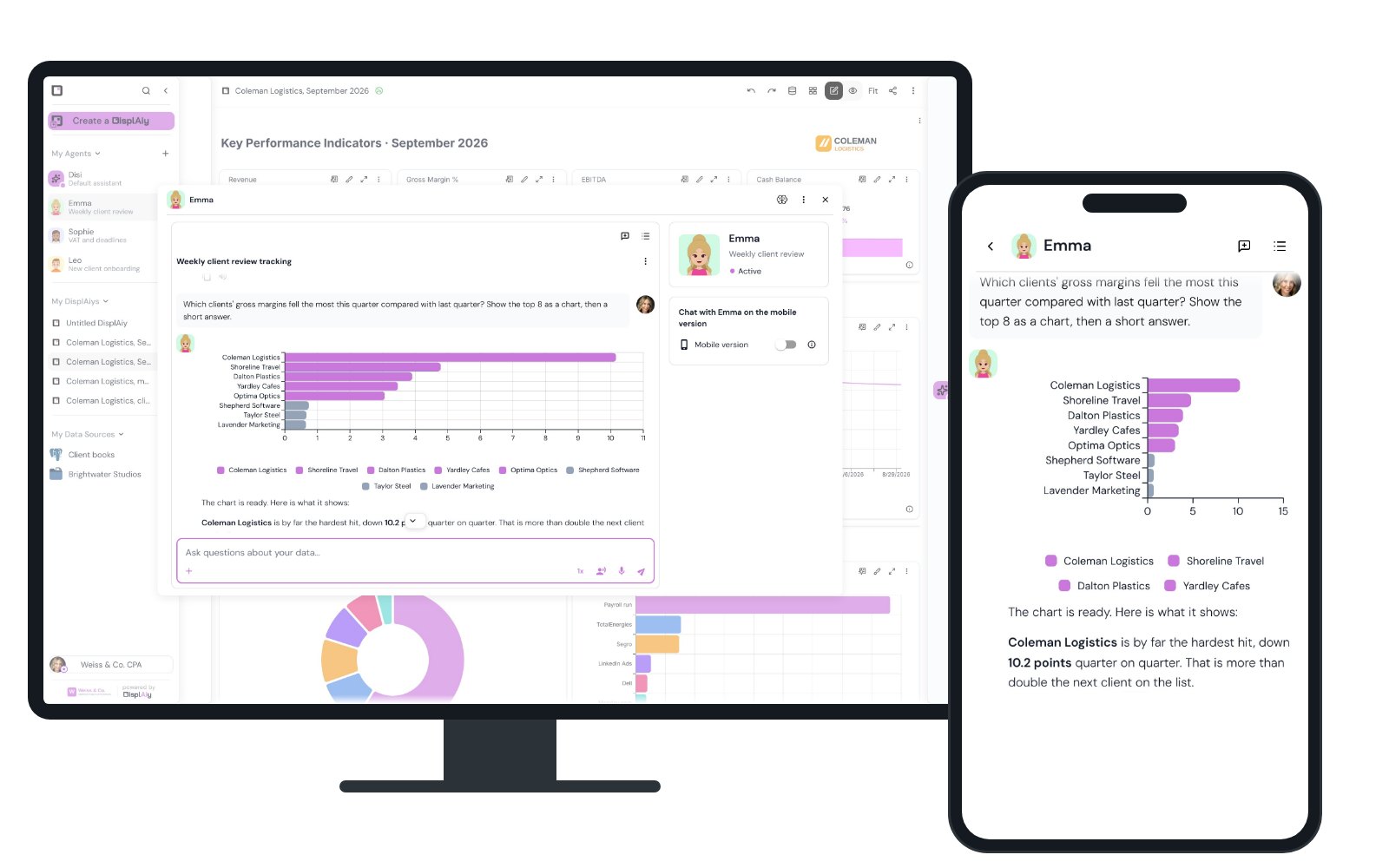
Ask in plain words. See the records behind the answer.
Open any number to see the rows behind it. Answers from documents name the file.
-
3The report
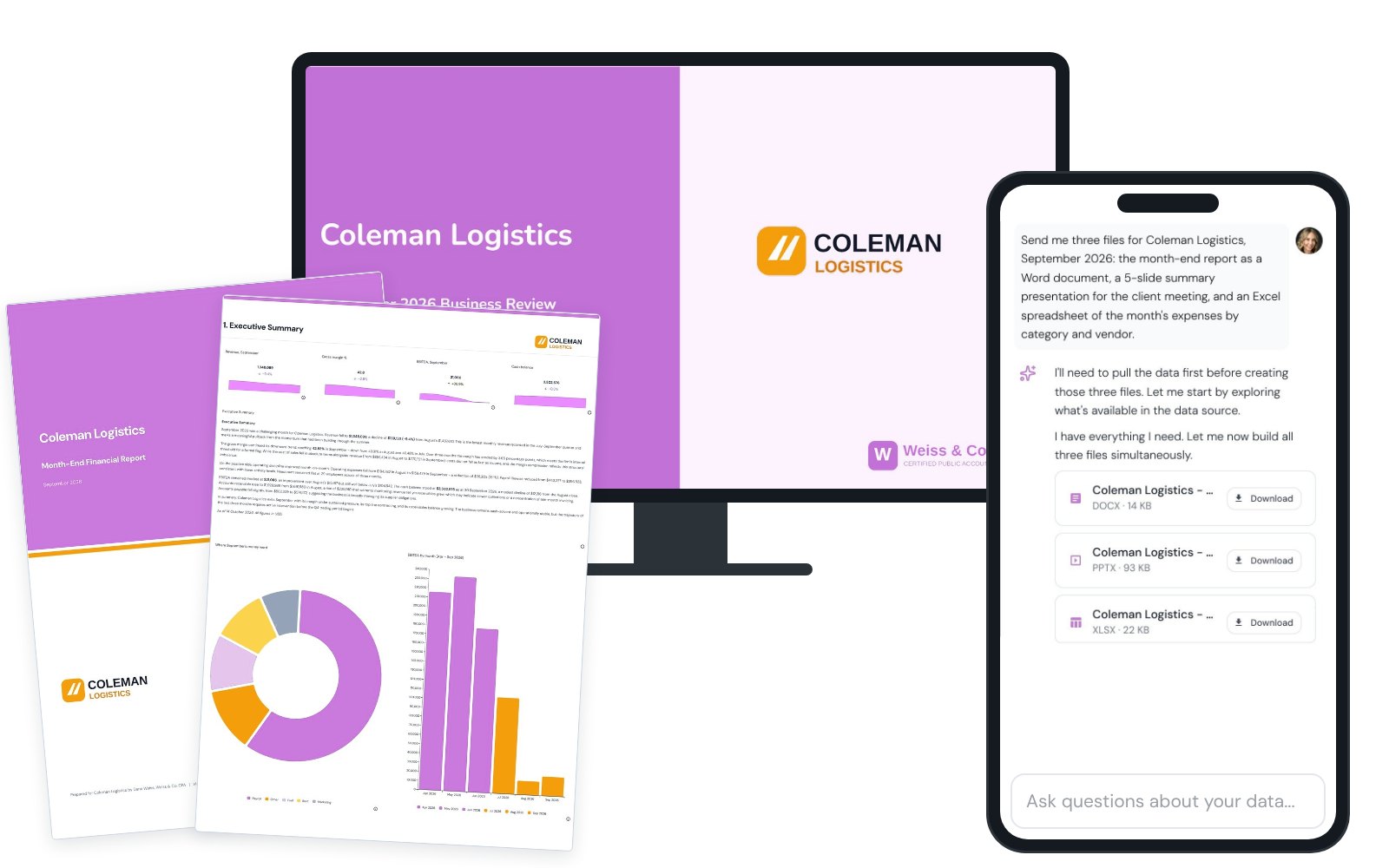
Your report in minutes, not days.
One sentence returns the report, the client presentation and the spreadsheet behind them.
-
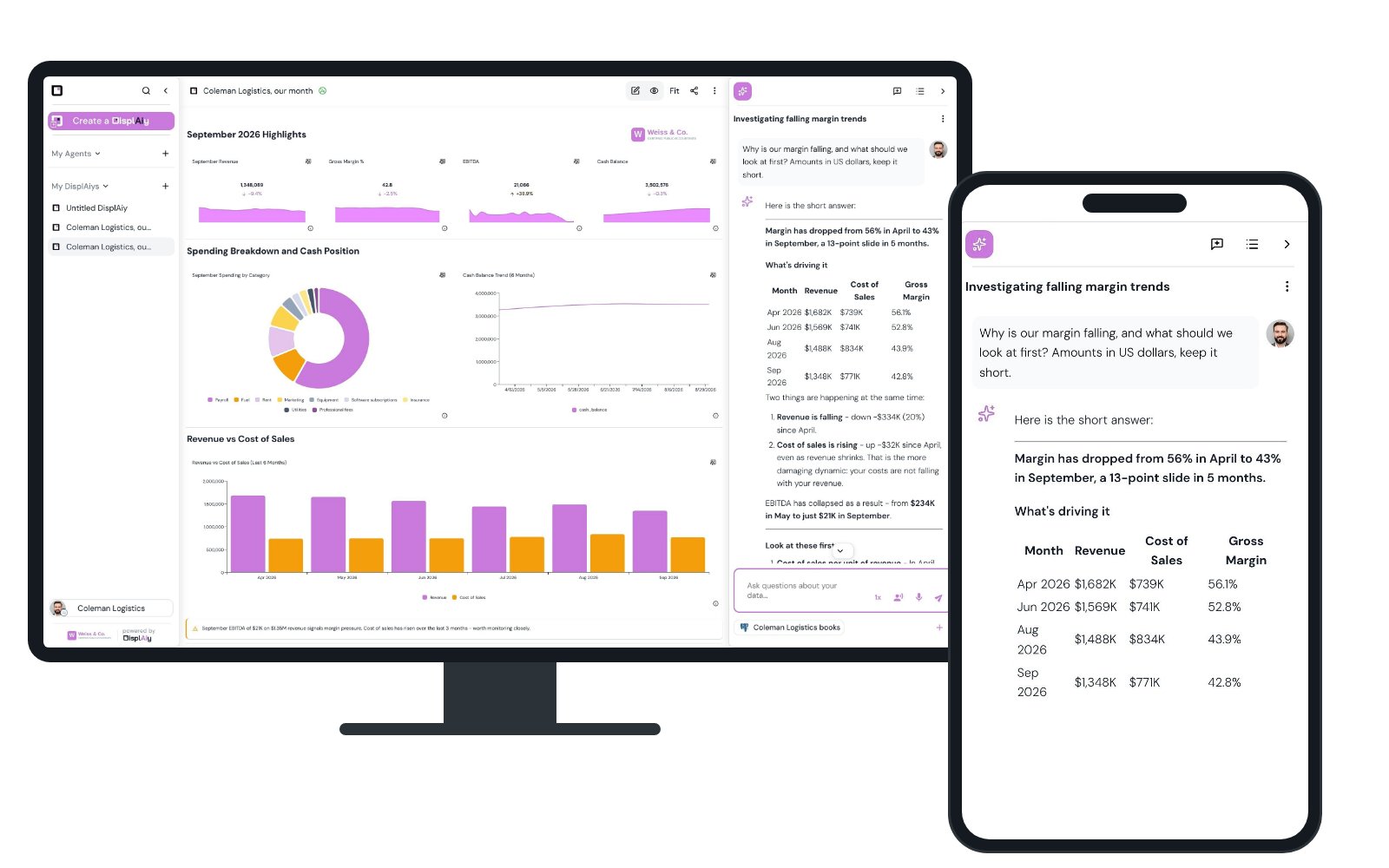
4Client portals
AI client portals, under your brand.
- Your brand: your logo and colors, set once.
- Only their data: built once, each client signs in and sees only their own.
- Their own questions: clients ask the AI, or only look, as you choose.
- One per client when needed: a tailored copy for a client who needs something different.
-
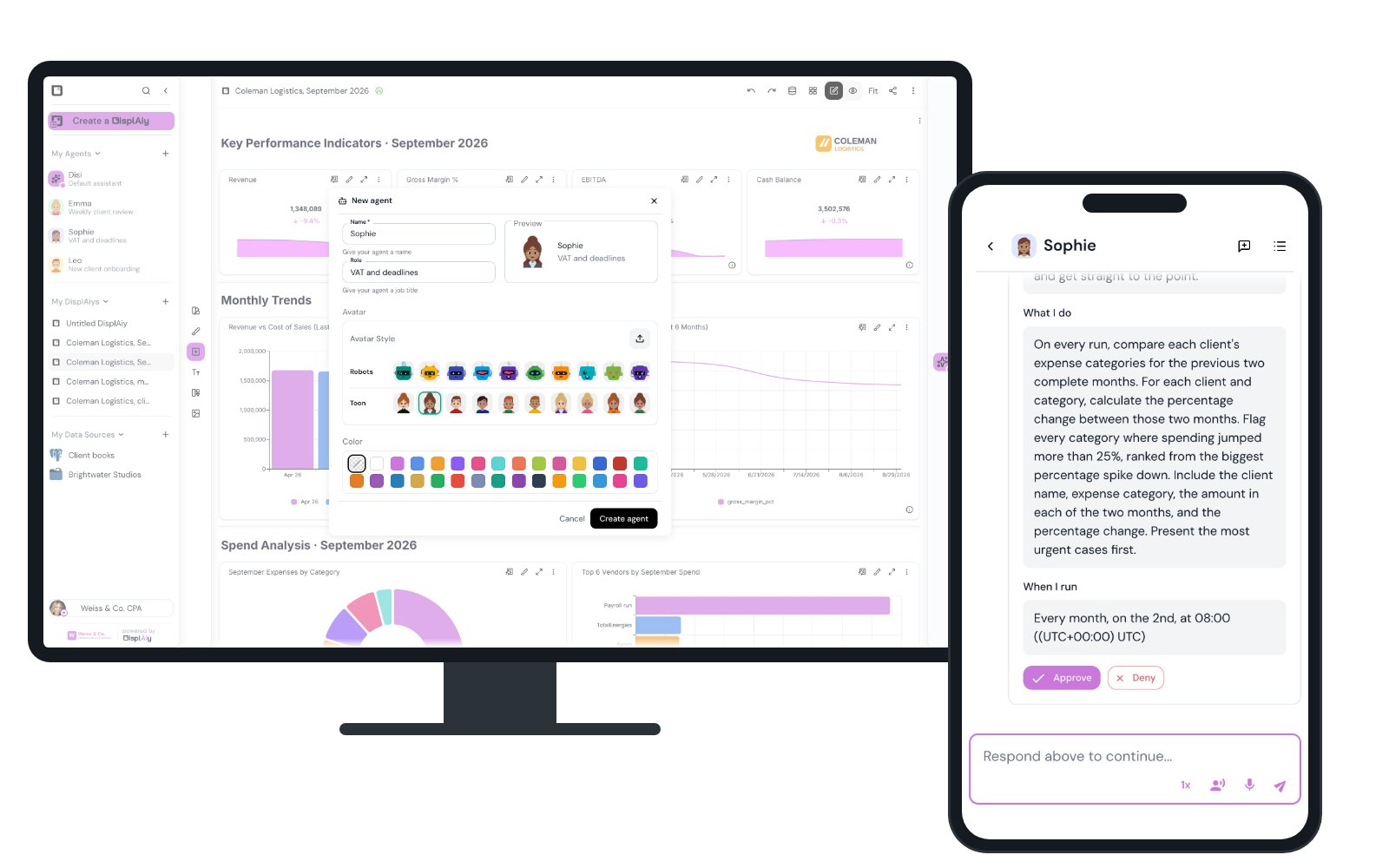
5Automate
Agents run the routine, on schedule.
Tell an agent its job and its schedule, in one conversation. It runs on time, or when you press Run now.
-
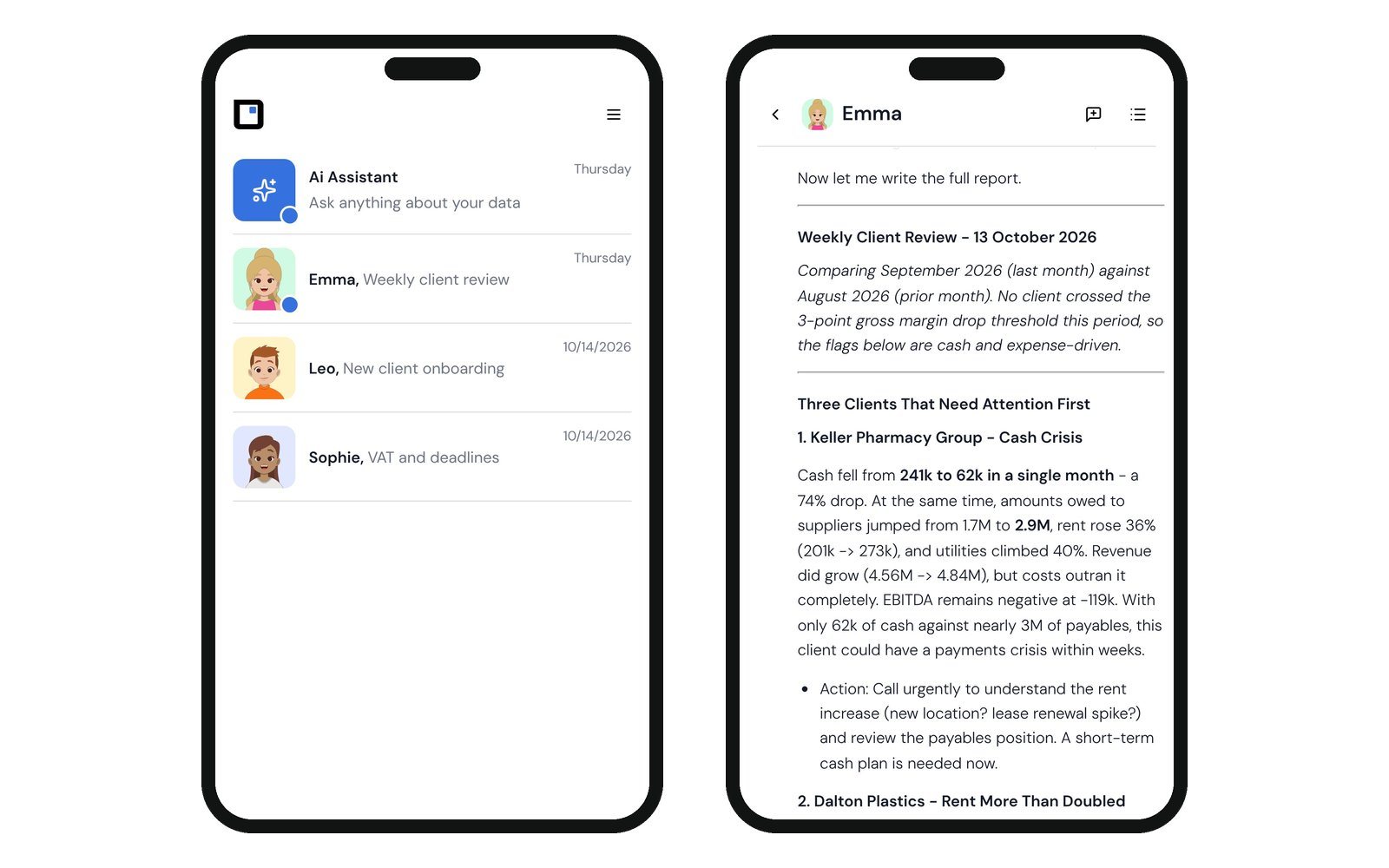
6On your phone
Results on your phone. Ask back by voice.
Finished work arrives by email, WhatsApp or Telegram.
-
ConversationsBecome memory. Shared facts need approval.
DocumentsProcedures and policies, sources named.
MeetingsMeeting summaries, added on their own.
Your termsWhat your words mean, in your glossary.
Answers and agents start from what it already knows.
7What it learns
It learns as you work.
Memory fills itself from your conversations. Add your documents and terms, connect your meetings. What it learns stays yours.
Structure and security
Built like your organization. Each person sees only what is theirs.
Your structure
- Sub-accountsOne for each branch, team or client.
- RolesWho runs it, who edits, who only views.
- SharingWith a person or a sub-account. Taken back any time.
Privacy and security
- Row level securityYour database decides who sees which rows.
- Personal stays personalYour Gmail, Drive and Calendar are read for you alone.
- Not for trainingThe AI providers' terms rule it out.
Let handle your
and keep the work only you can do.
Tell us what you run on. We will show it working on your own data.